
Product End-of-Life (EOL) Policy

Key Terms
EOL Date
The official date on which the product's End-of-Life (EOL) status has being sent out.
Support Ends
The final date after which Key Patrol™︎ will no longer provide technical assistance, software updates, or repair services for the product.
Replacement Product
The officially recommended product model for migration. This model offers the latest technology and is fully supported.
EOL Product List
| Product Model | Features | EOL Date | Support Ends | Replacement Product |
|---|---|---|---|---|
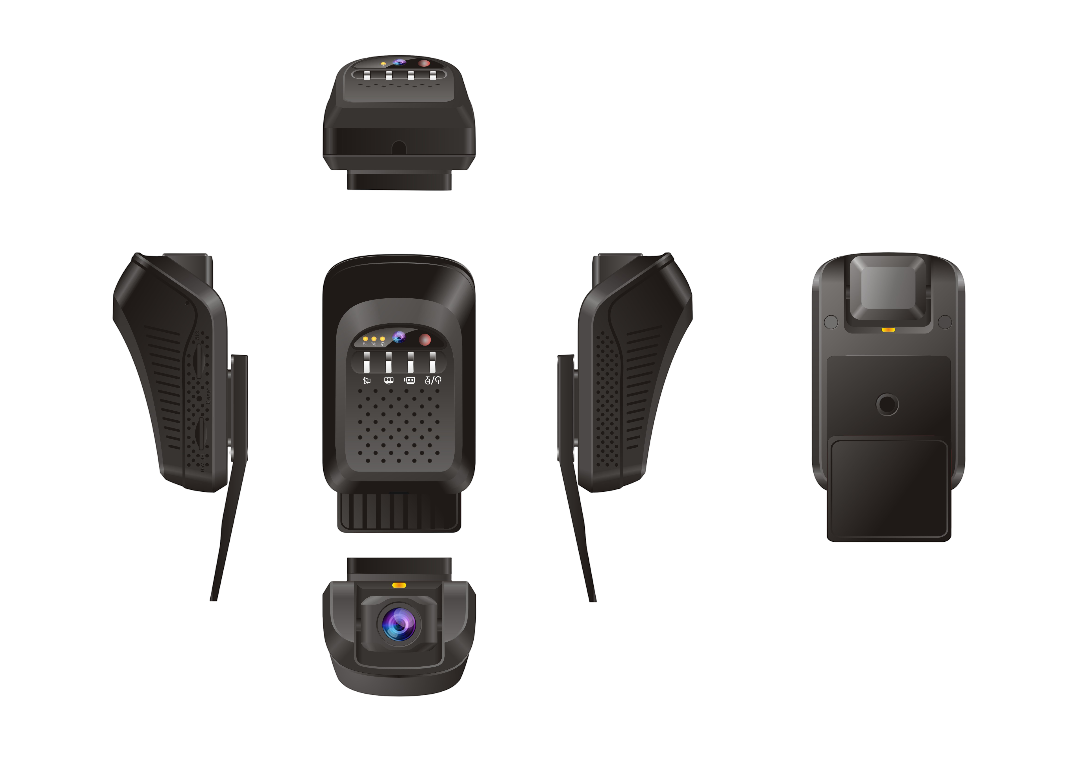 JC120 | 4G Cat 1 Single Camera RTOS | 2025-06-01 | 2028-06-01 | JC182 |
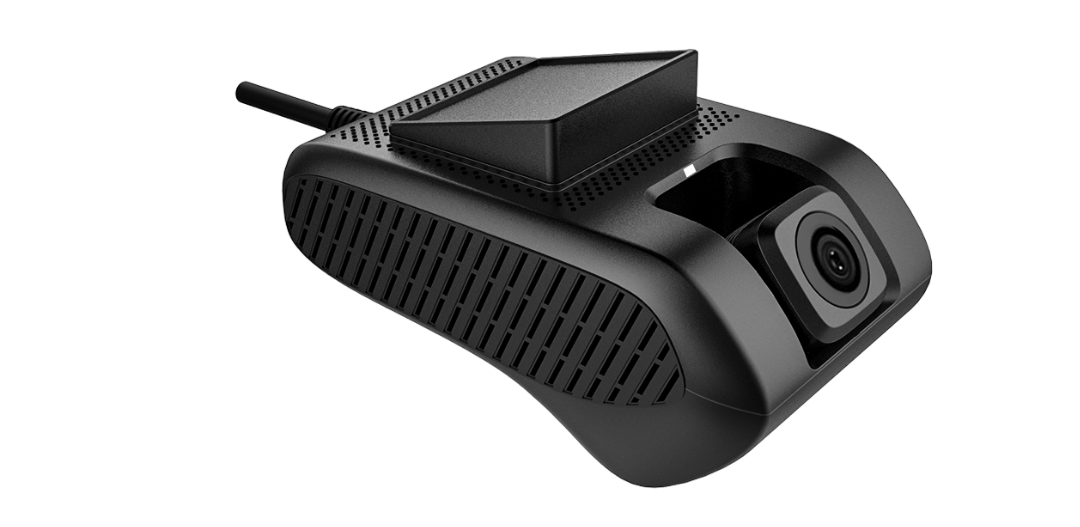 JC200 | 3G Dual Camera Android OS | 2022-05-01 | 2025-05-01 | |
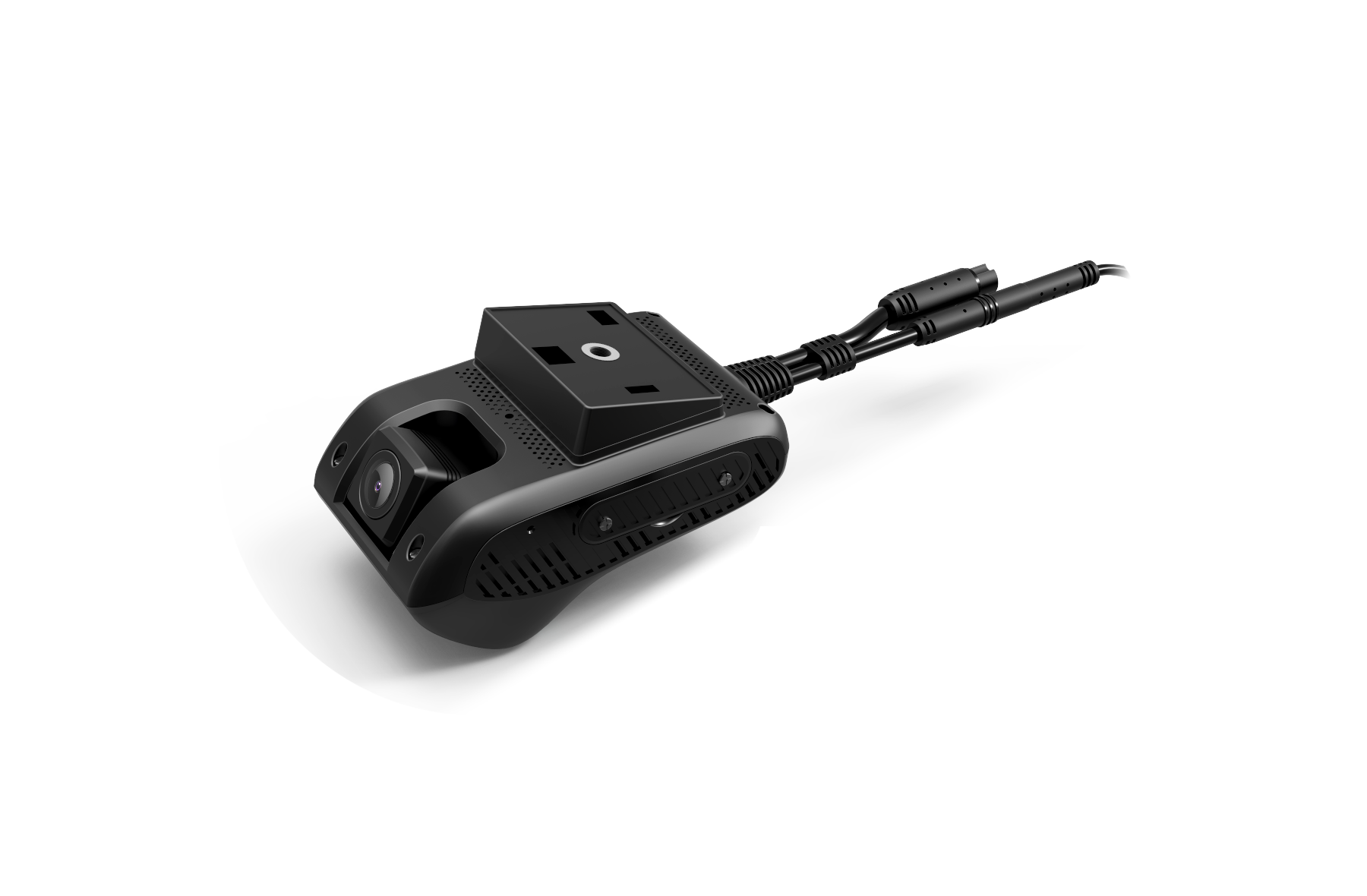 JC400D | 4G Cat 4 Dual Camera DMS Algorithm Android OS | 2022-03-01 | 2026-03-01 | JC261 |
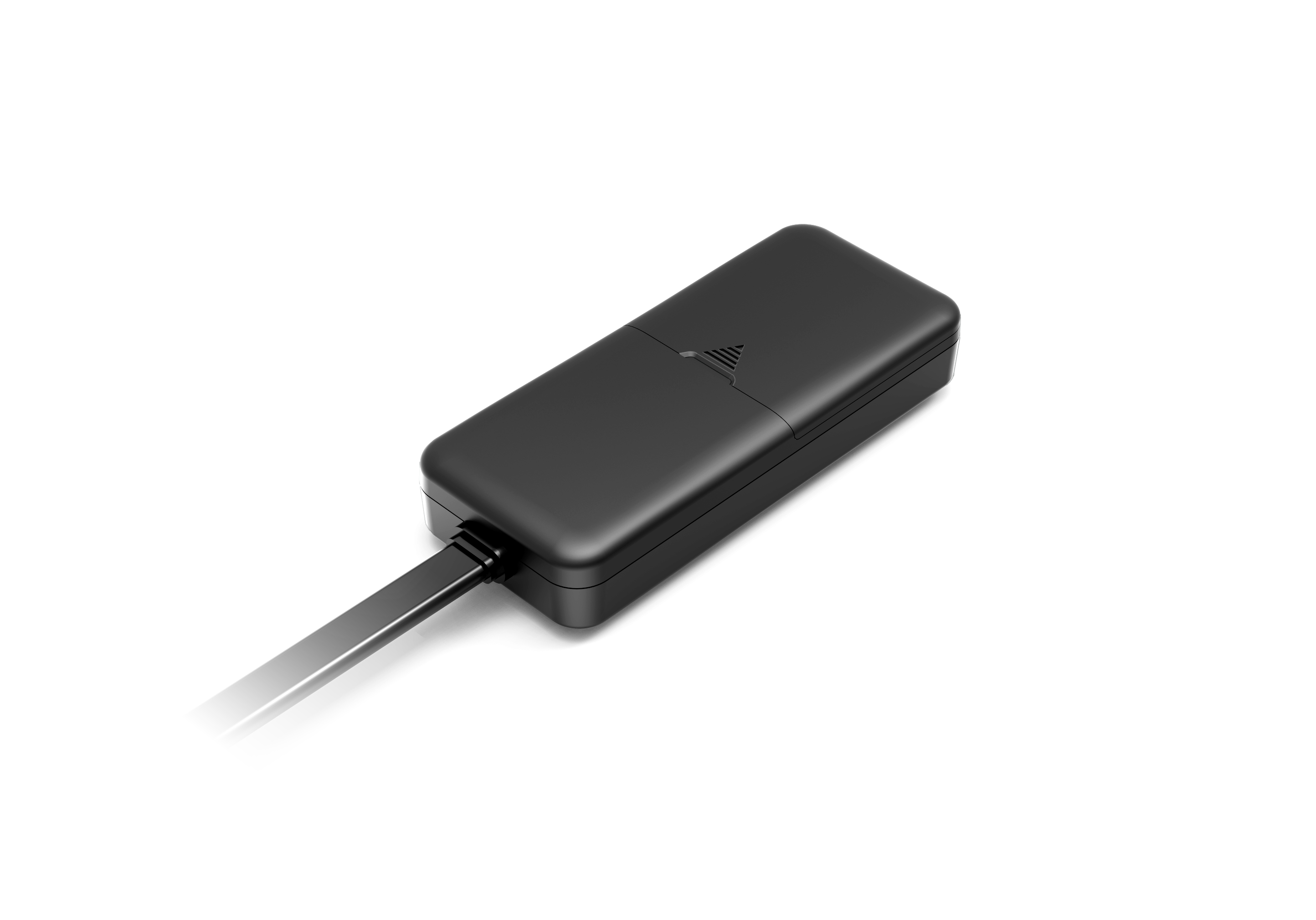 EV41 | 4G Basic Model Vehicle Tracker | 2025-06-01 | 2025-06-01 | VL110C |
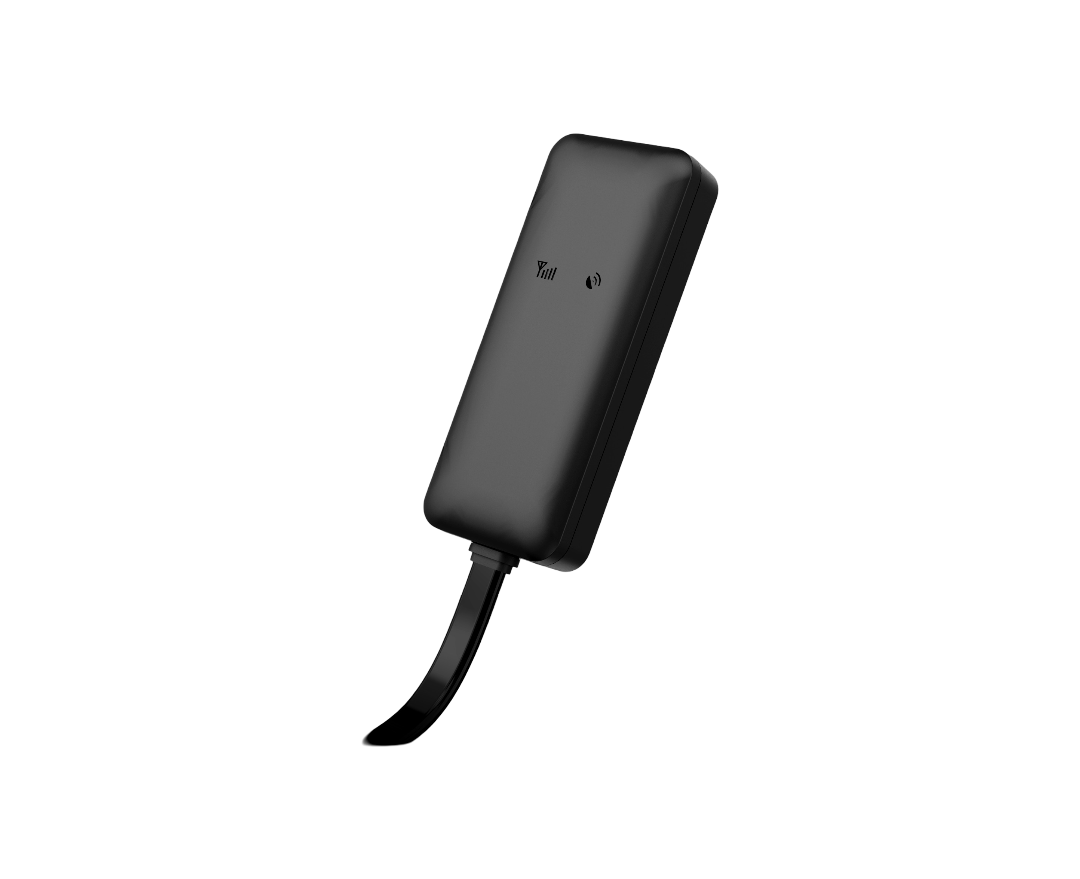 EV26 | 2G Basic Model Vehicle Tracker | 2025-06-01 | 2025-06-01 | VL110C |
FAQ
Install the device according to the user manual and ensure a valid SIM card (if applicable) is inserted.
Then log in to the KeyPatrol Pro web platform to view the device's latest location and status.
Note: Some advanced features may only be available in the mobile app.
Common reasons include:
1. Improper installation — the GPS antenna must face upward with no metal covering it.
2. Obstructed environment — tall buildings, tunnels, garages, or indoor testing will block GPS signals.
3. Temporary signal interference — high-voltage lines or heavy foliage may affect positioning.
Try placing the device outdoors in an open area. If the issue persists, restart the device or contact Key Patrol™︎ Technical Support.
Battery life varies by model. Please refer to the product specification page on our website.
As a guideline: wired trackers typically draw 50–60 mA (working) and 3–6 mA (standby).
First, configure an SOS number to receive SMS alerts.
Use the command format: SOS,A,YourPhoneNumber#
This enables vibration, geofence, overspeed, and other SMS notifications.
GPS signals cannot be acquired indoors or in obstructed areas (garages, dense trees, tunnels). Various models have LBS or WIFI positioning and may be available as alternatives.
If stationary for long periods, location updates may pause.
Use the command GPSDUP,ON# to force continuous GPS updates (supported models only).
Support & Assistance
Need help or have questions?
Access our knowledge base for quick answers or
contact our support team for personalized assistance.